479 keer bekeken / views
In my post about the TFT-LCD-DISPLAY-EC11 Piggy Back Board I explained that this board makes software development much easier because the developer no longer has to worry about the underlying hardware.
In this post I describe software that turns this board into an universal timer. The interface consists of a menu system operated with the rotary encoder and the additional KEY0 push button.
Why another timer project?
Recently I bought a DEWIN Time Relay on Amazon because I needed a way to generate pulses for endurance testing my Soft Power Latch. This board was usable, but the user interface is so counterintuitive that every time I want to change a setting, I first need to find the manual — and even then it is still confusing.
From time to time, for example while on vacation, I use another type of timer switch to switch lamps in my house on and off. They are simple to use, but they also have several disadvantages. First of all, if the power fails during the vacation and comes back later, the timer becomes completely out of sync. Another drawback is that the switching moments are fixed. Anyone paying close attention will quickly notice that the lights always switch at exactly the same times.
And that is why I created this “Universal Timer” project.
The Universal Timer is operated through the LCD screen, the rotary encoder, and the additional push button. Using a menu system, you can easily select either a cyclic timer or a 24-hour timer. The software is therefore a combination of the two timer types mentioned above.
Cyclic Timer
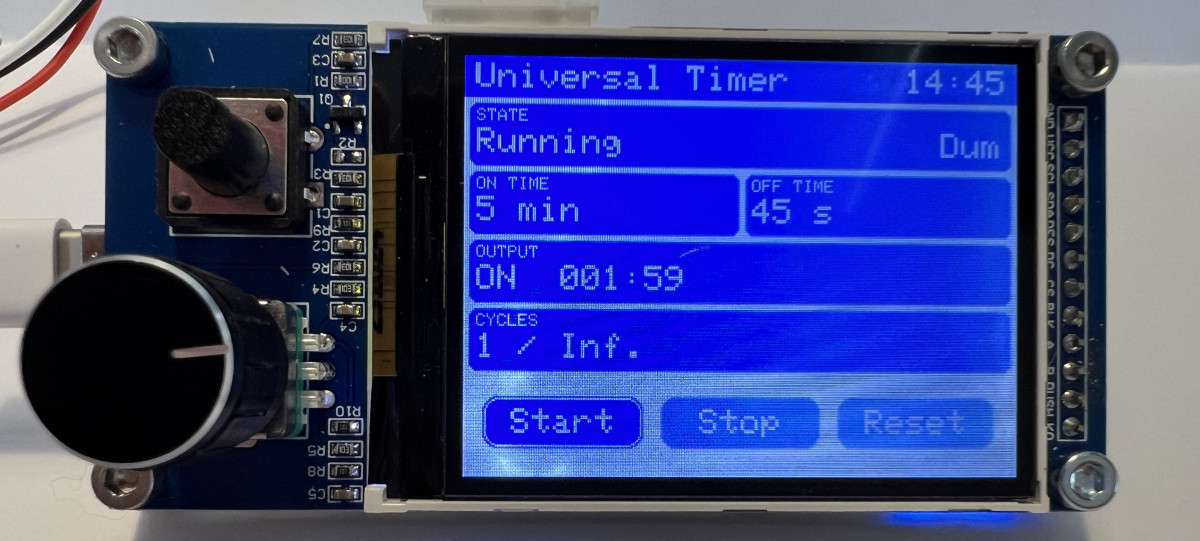
With the cyclic timer you can configure the ON and OFF durations using milliseconds, seconds, or minutes as the time unit.
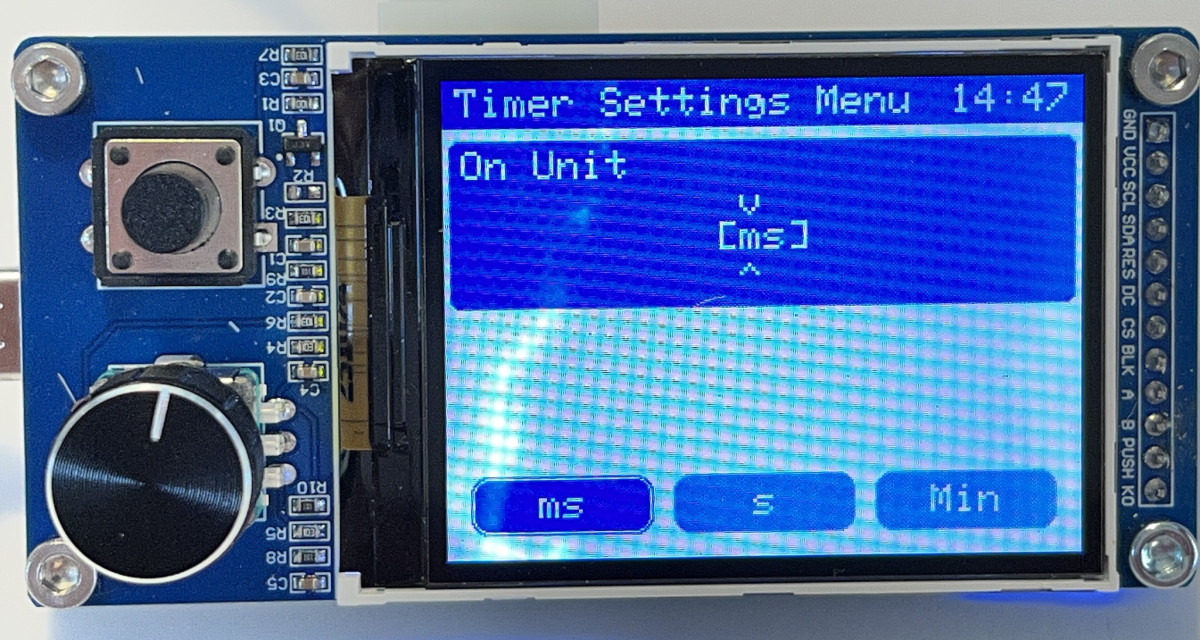
You can also choose whether the timer should keep repeating indefinitely until it is stopped manually, or stop automatically after 1, 2, 5, or any number of cycles you need.
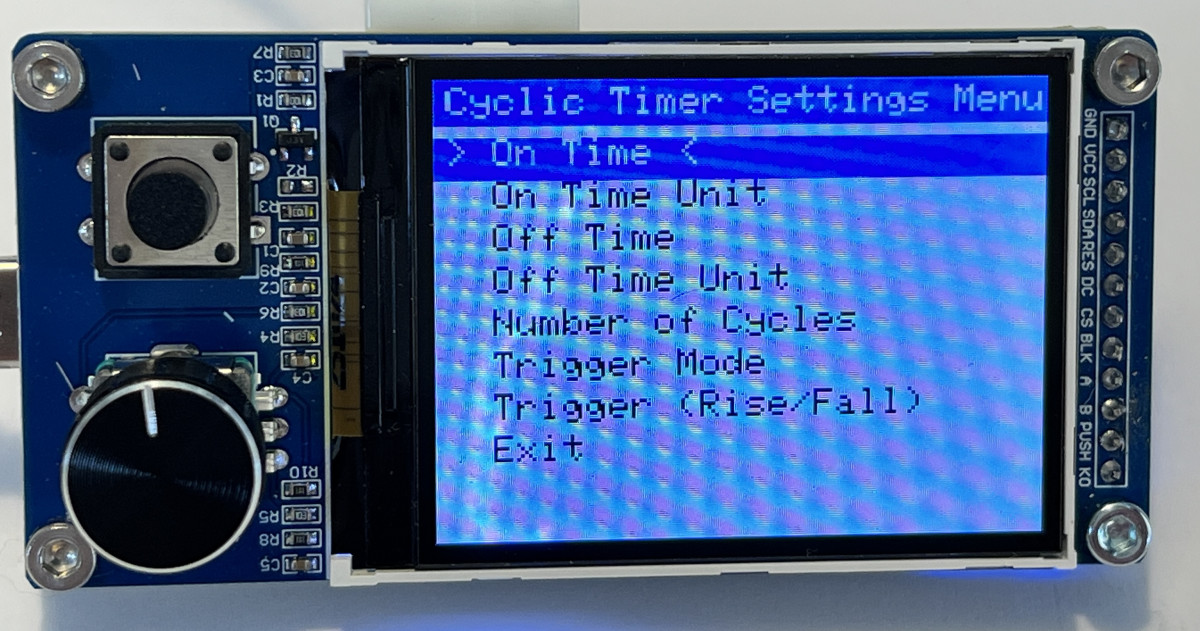
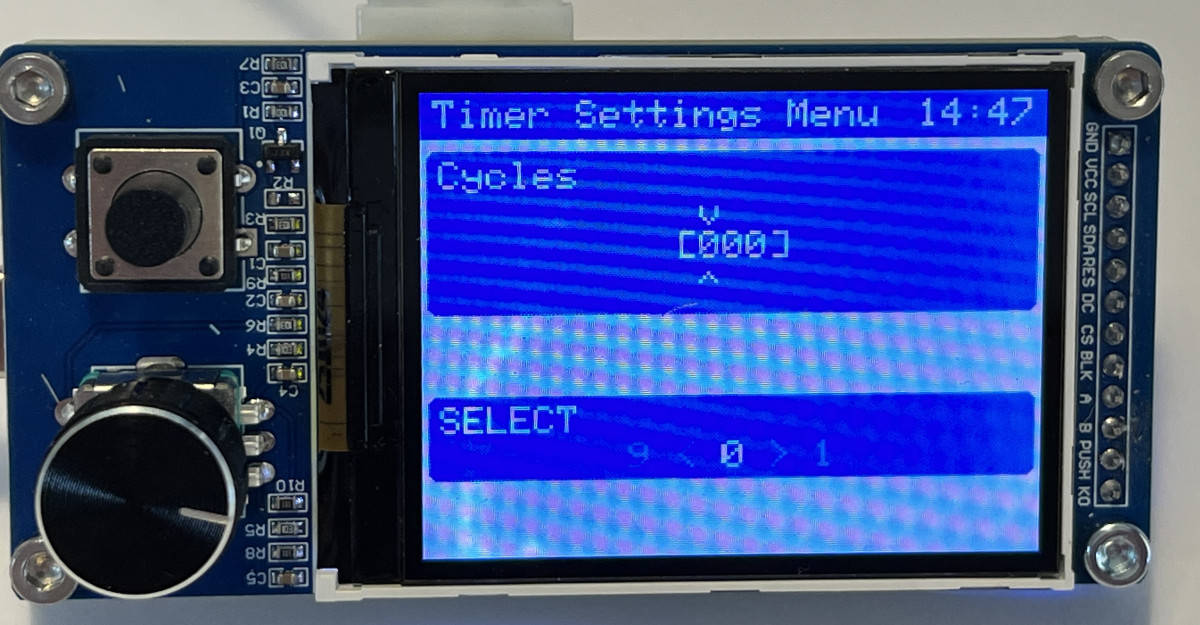
Once started, the timer automatically stops after the configured number of cycles has been completed (the value 0 means indefinitely). This makes it possible, for example, to control a darkroom lamp from the analog photography era. In that case you would set the number of cycles to “1”. Using an external switch, you can start the timer to expose photographic paper for the configured amount of time.
24-Hour Timer
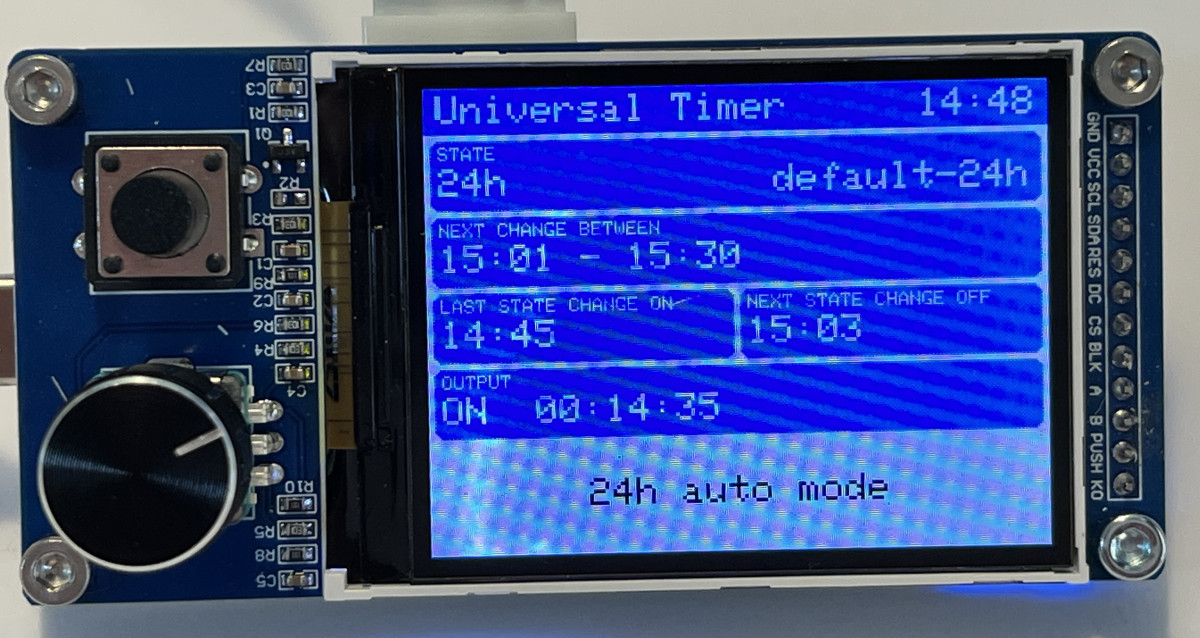
This timer offers the same functionality as the previously mentioned timer switch, but with two important improvements.
The timer uses NTP to obtain the current time and therefore always stays synchronized, even after a prolonged power outage.
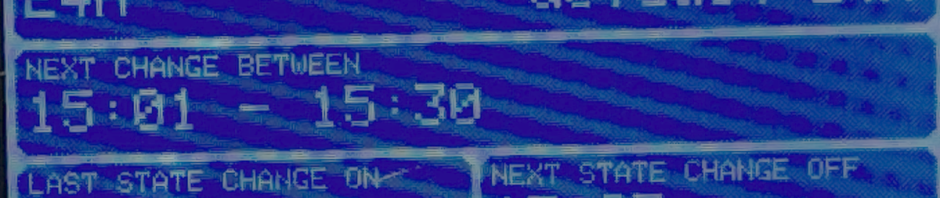
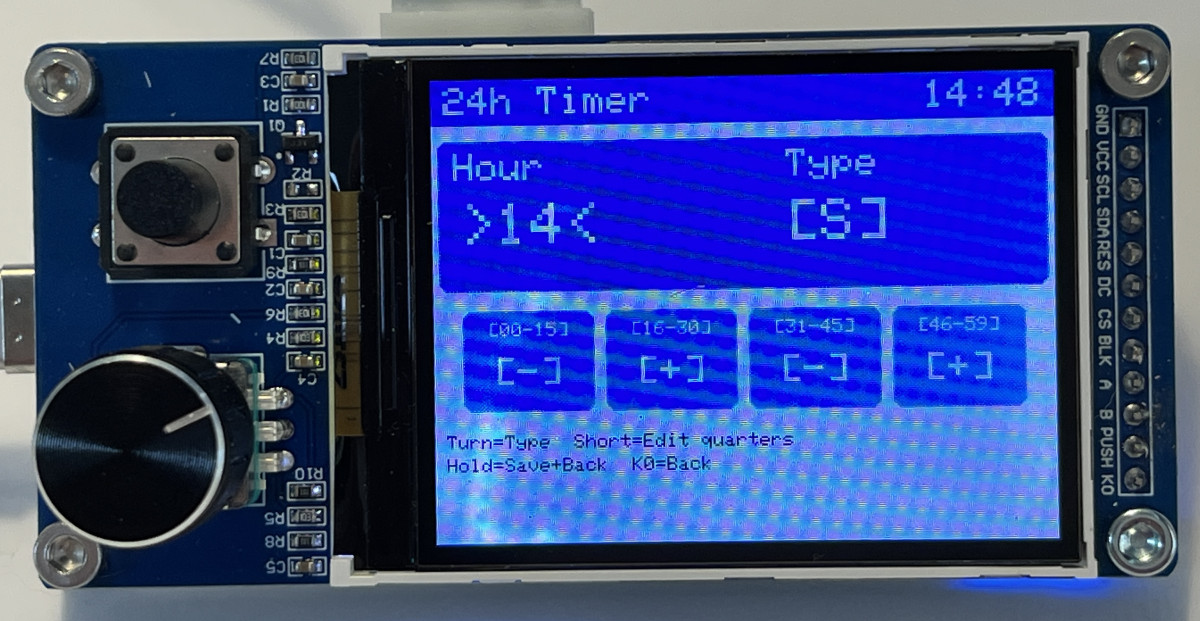
In addition, the 24-hour timer can randomize switching moments within a quarter of an hour, multiple quarters, or even several hours. This makes the ON and OFF moments unpredictable within configurable limits.
The Software
The software consists of several modules (.h and .cpp files), each responsible for a specific part of the application.
The modules DisplayDriver, InputClass, and WiFiManagerExt are implemented as reusable classes. This makes it relatively easy to reuse these modules for other projects using this display and Piggy Back board combination.
Here you can find the Universal Timer software.
The user documentation can be found here.
 Follow